Why some Mycopunk upgrade patterns leave an empty cell, what the hollow flag does, how infusion removes a hole and when a ring node is worth it.
Mycopunk Upgrades With Holes: What the Gaps Mean
Some Mycopunk upgrade patterns enclose an empty cell. The game calls these hollow upgrades, and the hole is not cosmetic: it decides what can be placed next, and it is the reason two players with identical nodes fill a 7×6 grid differently.
Why some Mycopunk upgrade patterns leave an empty cell, what the hollow flag does, how infusion removes a hole and when a ring node is worth it.
What a hollow node is
A node's pattern is a fixed set of hex cells. Most patterns are solid blobs — two, three or five adjacent cells. A hollow pattern is one whose cells form a ring around a gap: the node covers the outside and leaves the middle unusable for anything else.
The gap counts against your grid. A five-cell ring on a 25-cell grid costs six cells of space and gives you five cells of effect, which is the worst exchange rate in the game unless the effect is one of the grid-size Oddity nodes.
Why the game flags them
Patch 2.0.2 fixed a bug where a hollow employee upgrade could not be equipped at the same time as a hollow cryo upgrade. That fix confirms the flag exists in the data and that the game tracks hollow patterns separately when validating placement.
Before the fix, a player with both a hollow employee node and the hollow cryo node had to choose one. After it, both can be placed as long as the holes do not overlap.
What fits in a hole
Nothing. That is the point of the mechanic: a hole is not a small cell you can squeeze a one-cell Standard node into, and the placement preview will reject it. The only ways to use the space are:
- Infuse the node's effect onto a solid pattern (needs player level 13)
- Reroll the node with Interim Manager or Fake ID, which keeps the pattern but changes the effect
- Leave it and fill around the ring, treating the hole as a boundary
Option 3 is more common than it sounds. A ring pattern pressed against the edge of the grid wastes less space because the hole ends up outside the usable area.
Holes and pattern infusion
Infusion is the cleanest fix. You keep the effect and take a solid shape from another node in the same pool, which removes the hole entirely. Patch 2.0.2 also reduced how much stats are penalized when you infuse a smaller pattern into a larger one, so the cost of removing a hole dropped at the same time this bug was fixed.
The trade-off is that infusion consumes the donor pattern. You are not adding a shape, you are trading one for another.
Grid growth and hole pressure
Grid sizes by player level:
| Level | Grid | Cells |
|---|---|---|
| 0–2 | 5×5 | 25 |
| 3–5 | 6×5 | 30 |
| 6–9 | 6×6 | 36 |
| 10+ | 7×6 | 42 |
Holes hurt most early, when you have 25 cells and no infusion. By level 13 you can fix them, and by level 30 you can rotate the high-tier patterns that produce the worst rings. A player who has not unlocked infusion should treat hollow nodes as last-resort fillers rather than upgrades.
How to spot a hollow node before placing it
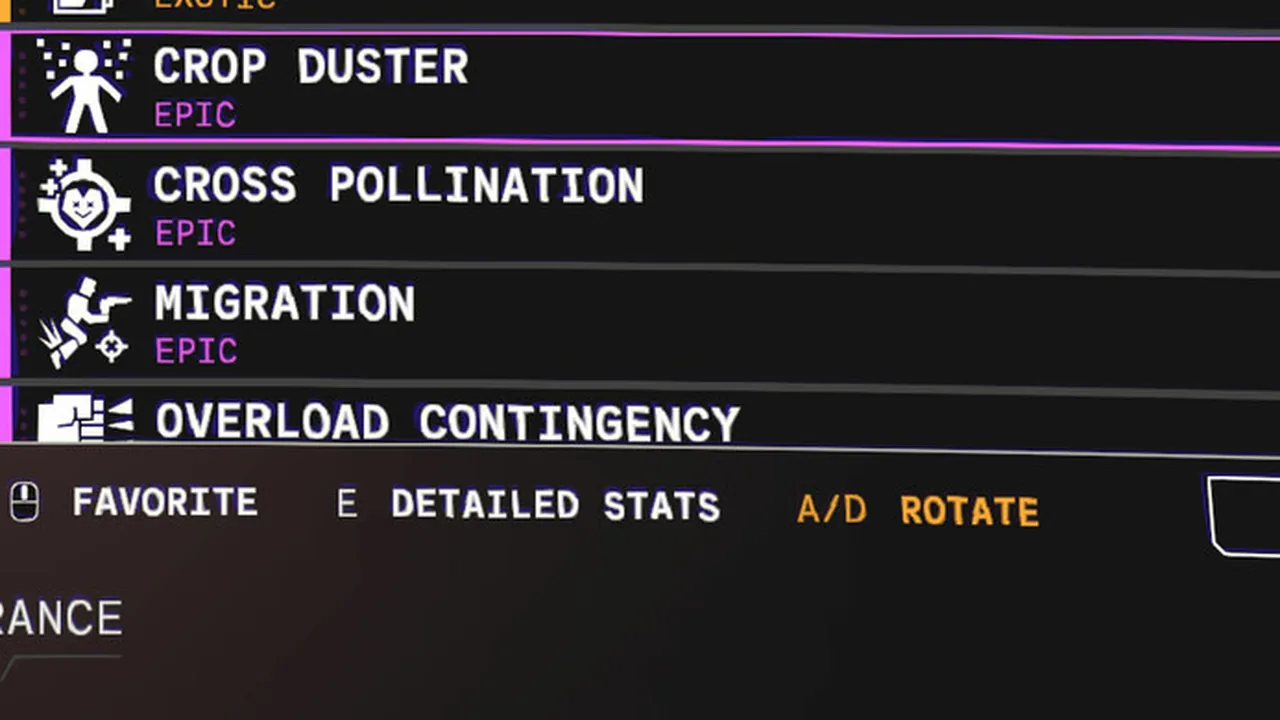
The placement preview shows the full pattern, gaps included. If the highlighted shape has an unhighlighted cell inside it, that is a hole. The collection screen does not label nodes as hollow, so the preview is the only in-game warning.
FAQ
Do holes block adjacent nodes?
No. A hole blocks only its own cell. Nodes can be placed on the cells around the ring.
Can you fill a hole later?
Only by rerolling or infusing the node that created it. Placement is permanent.
Are hollow upgrades bad?
Only when the effect is small. A hollow node carrying a grid-size or element-conversion effect is worth the wasted cell; a hollow Standard damage node is not.
Two pages pair well with this one: the employees overview for what each crew slot can do, and the mission list for which activities appear on the map and when.
Sources
Threat, mission, element and resource values were read from the Mycopunk 1.0 build and cross-checked against the official patch notes and the Steam store page. Where a rule is only described in player-written notes, the Steam guide index is the second source.
More Mycopunk Guides
All 48 Mycopunk Steam achievements in unlock-rate order, what each one requires, the eight-step threat ladder and the 1.0 additions.
The Au-Si Jackrabbit's full 1.0 stats, fire application, bounce mechanic, 33 upgrade nodes and every turbocharge on the starting shotgun.
Every Mycopunk boss: Amalgamation, Cranius and the Necky Wormy Boss, plus all ten abomination variants with shell health, arms and spawn maps.
The Cycler's full 1.0 stat block, all 41 upgrade nodes by rarity, weapon level rewards and why the starting SMG stays in the loadout.
How Mycopunk's decay element works: the 20% damage amplifier, the 10% part-detach rule, exact tuning values and how it compares to Rot.
Every Mycopunk element with damage multipliers, saturation rules, status lifetimes and what Fire, Shock, Acid, Decay, Rot and Cryo actually do.
Every Mycopunk employee with mobility and utility abilities, skin counts, unlock conditions, and what each upgrade tree actually changes.
All 38 Mycopunk enemies: grunts, brutes, abominations and bosses with shell health, leg and arm counts, overclock chances and the part system explained.